Best Free Alternative to CleanMyPhone for iPhone
CleanMyPhone is one of the better-known photo cleanup apps on the App Store. It finds duplicates, flags blurry shots, and helps you reclaim storage. But it costs $30 to $45 per year — and every feature it offers is available for free. TidyByte is a free alternative to CleanMyPhone that does the same job without a subscription, without an account, and without ever touching your photos on a remote server.
What CleanMyPhone Offers
CleanMyPhone markets itself as an all-in-one storage cleaner for iPhone and iPad. Its feature set covers the essentials most people need when their device runs low on space. At its core, the app scans your photo library and surfaces media that you are likely to delete — duplicates, blurry photos, overexposed or underexposed shots, and screenshots you have already read.
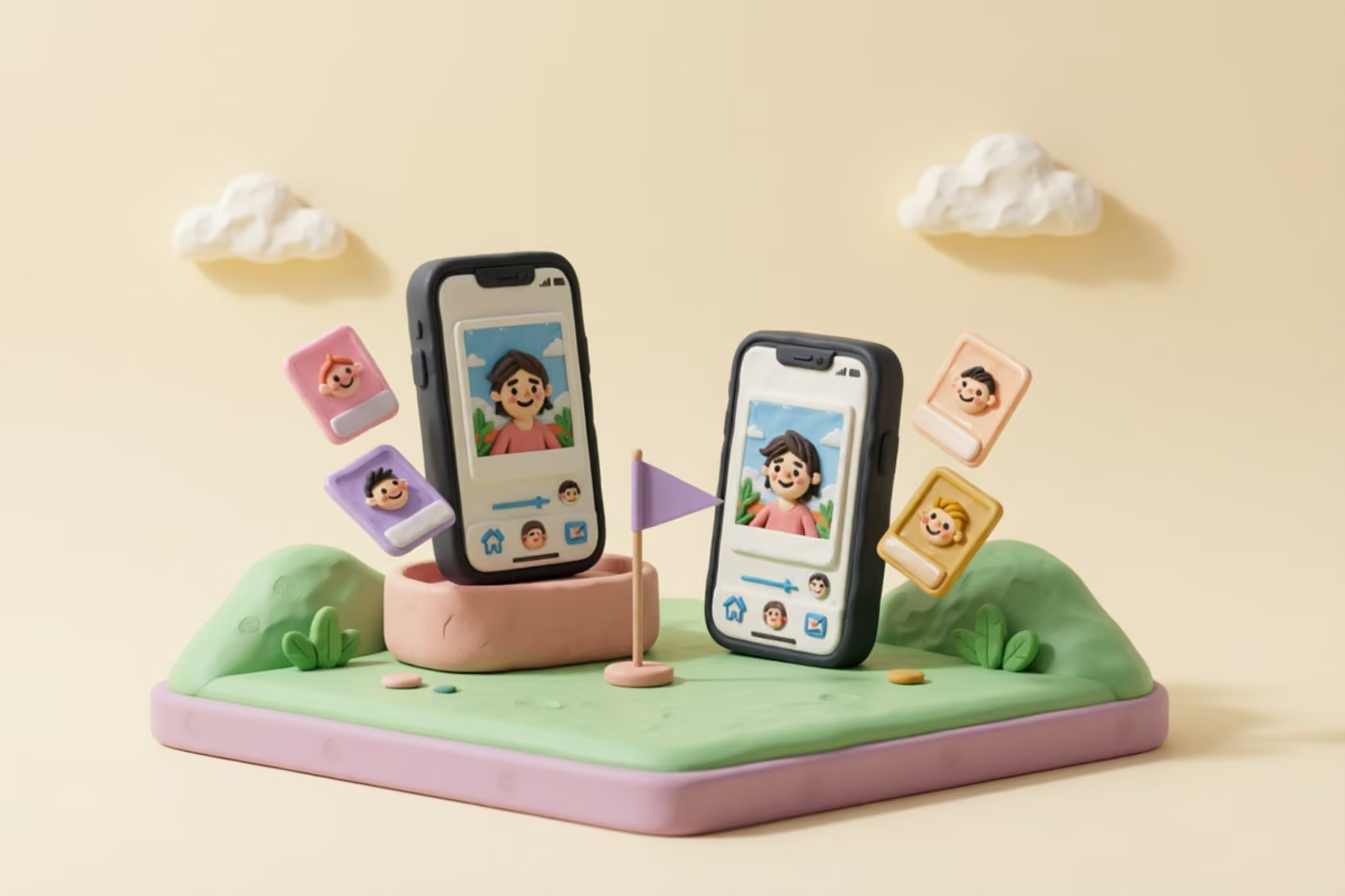
Beyond basic scanning, CleanMyPhone includes a duplicate video finder, a contacts cleaner, and some organizational tools like photo grouping by date or location. It presents results in a card-style interface where you swipe or tap to confirm deletions. The app also estimates how much storage you will recover, which gives users a concrete motivation to keep cleaning.
On paper, this is a solid feature list. The problem is not what CleanMyPhone does — it is what it charges for doing it. Every feature listed above has a free, on-device implementation available through open-source tools. You do not need to pay a yearly subscription to find duplicate photos on your own phone. The underlying iOS frameworks — PhotoKit, Vision, AVFoundation — already provide everything needed to build these features, which is exactly what TidyByte does.
What CleanMyPhone Costs
CleanMyPhone uses a subscription model. Depending on the plan, you will pay somewhere between $30 and $45 per year for access to its features. Some plans offer a lower first-year promotional rate, but once the trial ends, the full price kicks in automatically unless you cancel. That means over three years of use, you are looking at roughly $90 to $135 spent on an app whose primary function is deleting files you do not need.
There is an important nuance worth understanding here: CleanMyPhone runs its analysis on your device, but it also connects to external servers for certain operations. That combination of subscription pricing and server-side processing raises two concerns. First, you are paying for compute that your own iPhone can handle. Second, your photo data — or at least metadata about your photos — passes through infrastructure you do not control. For privacy-conscious users, that is a meaningful trade-off.
To put the cost in perspective, the average iPhone user accumulates roughly 5 to 10 GB of redundant photos and videos per year. A single cleanup session with a free tool like TidyByte can recover that same space. Paying $30 or more annually to delete files from your own device is a hard value proposition to justify when the alternative costs nothing. If you are evaluating whether a subscription makes sense, it helps to know exactly what you get for free.
TidyByte: The Same Features for Free
TidyByte is an open-source iOS app built specifically to do what CleanMyPhone does — without charging anything. It uses the same Apple frameworks under the hood: PhotoKit for library access, Vision for blur and exposure detection, AVFoundation for video compression, and SHA-256 hashing for exact duplicate identification. The result is a tool that matches CleanMyPhone's core feature set while remaining completely free.
The app runs a swipe-based interface that makes cleanup fast and almost effortless. You see one photo at a time, swipe left to delete or right to keep, and the app handles the rest. This pattern works because it turns a tedious chore — scrolling through thousands of photos looking for bad ones — into a quick, almost game-like experience. Most users clear out hundreds of photos in a single session without feeling overwhelmed.
As a free alternative to CleanMyPhone, TidyByte does not compromise on capability. It identifies exact duplicates using file-level hashing, detects near-duplicates through Apple's Vision framework, flags blurry and poorly exposed photos, surfaces large videos that are candidates for compression, and highlights old screenshots. There is no feature gating, no premium tier, and no paywall. Every tool is available the moment you install the app. You can read more about the full feature set on the TidyByte features page.
Feature-by-Feature Comparison
The table below breaks down how TidyByte and CleanMyPhone compare across the features that matter most to people cleaning up their photo libraries. This is not a marketing summary — it is a direct feature-to-feature match based on what each app actually delivers.
| Feature | TidyByte | CleanMyPhone |
|---|---|---|
| Price | Free forever | $30–45/yr subscription |
| Duplicate photo detection | Yes (SHA-256) | Yes |
| Near-duplicate detection | Yes (Vision framework) | Yes |
| Blur detection | Yes | Yes |
| Screenshot cleanup | Yes | Yes |
| Video compression | Yes (with preview) | Limited |
| On-device processing | 100% local | Partial server processing |
| Account required | No | Yes |
| Open source | Yes (MIT license) | No |
| Swipe-based cleanup | Yes | Card-based review |
The key difference is not in the feature list — both apps cover similar ground. The difference is that TidyByte delivers every one of these features without asking you to pay or hand over your data. For anyone searching for a free alternative to CleanMyPhone, this comparison should make the choice straightforward.
Privacy Comparison
When you install a photo cleanup app, you are granting it access to your entire photo library — every image, every video, every screenshot. That makes privacy a critical factor, not a secondary concern. Here is how the two apps differ on the privacy front.
TidyByte processes every photo and video directly on your iPhone. No image data, no metadata, no file hashes, and no usage analytics leave your device. The app has no backend server, no user accounts, and no tracking of any kind. Because it is fully open source under the MIT license, anyone can inspect the code to verify these claims. You do not have to trust a privacy policy — you can read the source code itself on GitHub.
CleanMyPhone, by contrast, uses a mix of on-device and server-side processing. While the core scanning happens locally, certain features rely on cloud infrastructure. The app also requires an account to function, which ties your usage to an identity. For a tool that exists solely to manage your personal photos, that level of data exposure is worth thinking about. According to Apple's own privacy guidelines, the best apps process data on-device whenever possible — and that is exactly what TidyByte does. If privacy matters to you, the choice between a closed-source subscription app and a free, open-source, on-device alternative is not a close call.
How to Switch from CleanMyPhone to TidyByte
Switching from CleanMyPhone to TidyByte takes less than five minutes. There is no data to migrate, no account to transfer, and no settings to reconfigure. Here is the exact process:
- Step 1: Cancel your CleanMyPhone subscription. Open the Settings app on your iPhone, tap your name at the top, go to Subscriptions, find CleanMyPhone, and cancel. Your access continues until the current billing period ends.
- Step 2: Install TidyByte. Download TidyByte from the App Store. It is free — no trial, no credit card, no account creation needed.
- Step 3: Grant photo access. When TidyByte opens, it will ask for permission to access your photo library. This is the same permission CleanMyPhone uses. TidyByte only reads your library to scan and display results — it never uploads anything.
- Step 4: Run your first scan. Start with duplicates, then move to blurry photos, then screenshots. The swipe interface makes this fast — most users clean 500+ photos in their first 15-minute session. Check out our blog for tips on getting the most out of each cleanup session.
- Step 5: Delete CleanMyPhone. Once you are comfortable with TidyByte, long-press the CleanMyPhone icon on your home screen and remove it. One less subscription, one less app phoning home.
The entire process is reversible — if for any reason you want to go back to CleanMyPhone, you can resubscribe at any time. But based on the feedback from users who have made the switch, no one has looked back. Saving $30 to $45 a year while getting the same functionality and better privacy is not a tough trade-off to evaluate. For additional help, visit the TidyByte support page.
Frequently Asked Questions
Is there a free alternative to CleanMyPhone?
Yes. TidyByte is a completely free, open-source alternative to CleanMyPhone that runs entirely on your iPhone. It includes duplicate photo detection, blur and exposure analysis, screenshot cleanup, and video compression — all without a subscription, account, or any data leaving your device. The app uses the same Apple frameworks that power premium cleaners, so the quality of results is comparable.
Is CleanMyPhone worth the subscription?
CleanMyPhone offers a polished experience, but its yearly subscription adds up — especially when free alternatives like TidyByte provide the same core functionality. If you are mainly looking to find duplicates, remove blurry photos, and free up storage, TidyByte handles all of that without charging anything. For users who value privacy, the fact that TidyByte is open-source and fully on-device makes it the stronger choice regardless of price.
What does CleanMyPhone cost?
CleanMyPhone typically costs between $30 and $45 per year, depending on the plan and whether a promotional price is active. It operates on a subscription model, meaning you lose access to features once you stop paying. Over a three-year period, that adds up to roughly $90 to $135. TidyByte, by contrast, is free forever with no strings attached — no trial periods, no feature gating, no surprise renewals.
Can TidyByte replace CleanMyPhone?
For the vast majority of users, yes. TidyByte covers duplicate detection, blurry photo removal, screenshot cleanup, large video compression, and storage analysis — the same features most people pay CleanMyPhone to access. The only difference is TidyByte does it for free and processes everything locally on your device. Unless you rely on CleanMyPhone's contacts cleaner (which TidyByte does not include), you will not miss anything.
Is TidyByte as good as CleanMyPhone?
TidyByte matches CleanMyPhone on the features that matter most: finding duplicates, identifying low-quality photos, and reclaiming storage space. Where TidyByte goes further is privacy — it never uploads your photos to a server, has no account system, and is fully open-source so anyone can inspect the code. The swipe-based cleanup interface also makes the process faster and more intuitive than card-based review flows.
Ready to clean up your photo library?
TidyByte is free, runs 100% on your device, and takes just minutes to use.