New in 1.0.2 — Live Photo to still conversion See what changed →
Free · iPhone & iPad · iOS 17+
A cleaner photo library, one swipe at a time.
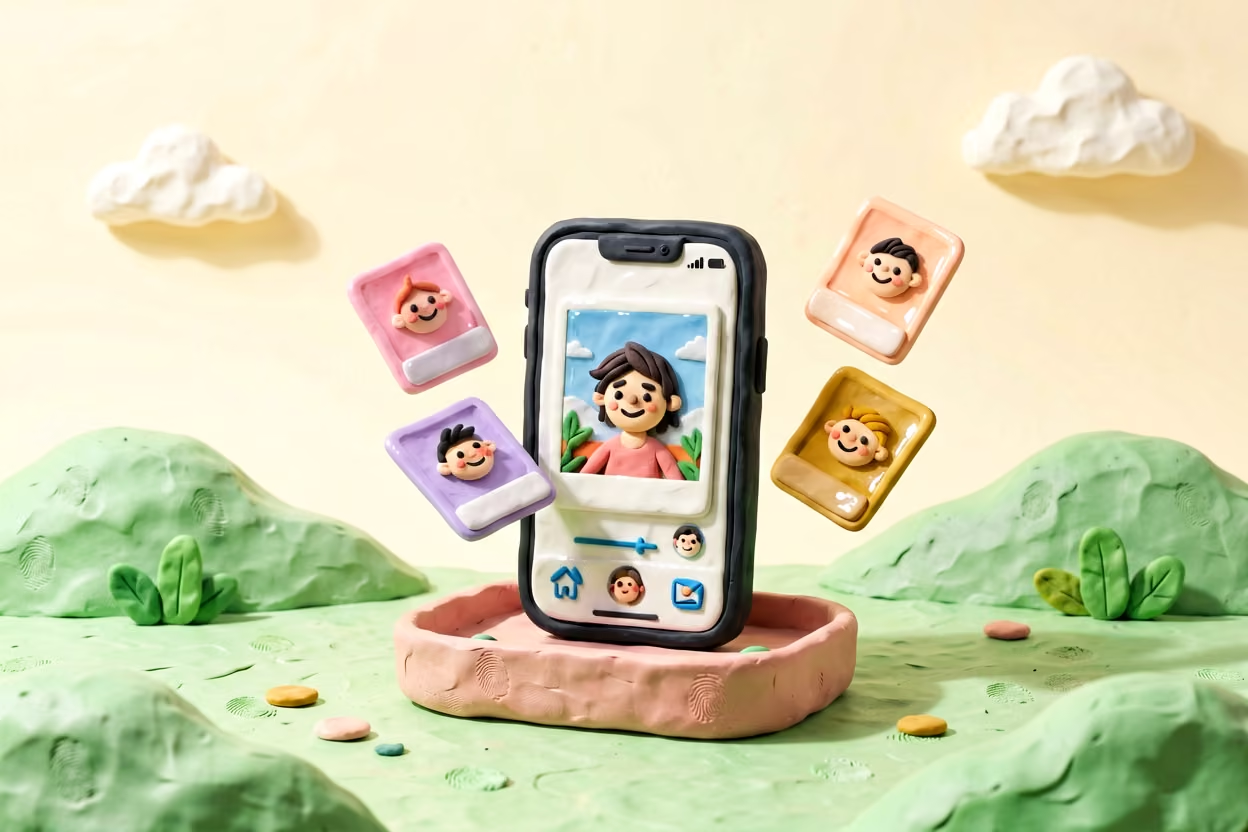
Swipe left to delete, swipe right to keep — and reclaim gigabytes in minutes. Duplicates, blurry shots, screenshots and oversized videos handled. 100% on-device.
No ads No account Photos never leave your phone
-
10
cleanup tools
-
0
bytes uploaded, ever
-
$0
to own it outright
-
100%
open source, MIT
01 — How it works
The swipe, explained.
One card. One decision. You’ll clear years of photos before your coffee gets cold.
-
Pick where to start
Screenshots, duplicates, blur, or your whole library. Each tool opens a deck of photo cards.
-
Swipe to decide
Left deletes, right keeps. Every choice lands in a review list before anything is touched.
-
Clear them in one pass
Confirm once and the space comes back. Deleted shots wait 30 days in Recently Deleted.

02 — Cleanup toolkit
Every kind of clutter, handled.
Twelve focused tools beyond the swipe — all running on your device.
-
Duplicates
Find exact copies, byte-for-byte.
-
Similar photos
Group near-identical shots.
-
Screenshots
Round up and clear them in one pass.
-
Blurry photos
Spot out-of-focus and shaky shots.
-
Large files
Surface the biggest space hogs.
-
Burst photos
Pick the best from a sequence.
-
Live Photos
Convert to stills to save space.
-
Video compression
Shrink videos, keep them watchable.
-
Photo compression
Re-encode photos to reclaim space.
-
Smart categories
Sort by content type, browse faster.
-
Storage breakdown
A donut chart of your library by type, plus the largest files.
-
Cleanup history
Every delete and compression decision, recorded on-device and reviewable.
03 — Storage dashboard
See exactly what’s using your space.
A live donut chart of where your storage goes — photos, videos, screenshots, Live Photos, other. Tappable slices drill into the exact items you can free up.
64 GB
photo library
- Photos
- Videos
- Screenshots
- Live Photos
- Other
Activity & savings keeps score: everything you’ve cleaned, a 30-day chart, and the total space you’ve freed. The Home Screen widget and Siri shortcuts jump straight into a cleanup.

04 — Privacy
Your photos never leave your phone.
- All processing happens on-device using Apple’s Vision and Photos frameworks.
- No analytics SDK, no backend, no third-party scripts, no tracking — anywhere.
- We can’t see your photos. We don’t want to.

05 — Open source
Read every line that touches your photos.
TidyByte is MIT-licensed. Read the source, verify the claims, file an issue.
06 — FAQ
Frequently asked questions.
Does TidyByte upload my photos?
No. All processing happens locally on your iPhone using Apple’s Photos and Vision frameworks — no analytics SDK, no backend, no tracking.
What about iCloud-only photos?
TidyByte works with your full library, including assets stored only in iCloud. The system downloads them as needed; you can also swipe past without waiting.
Are deleted photos gone immediately?
They go to the iOS Recently Deleted album, where they sit for 30 days before being permanently removed — exactly like deleting from the Photos app.
Will it lower the quality of my photos?
No cleanup tool touches the originals. The only operation that re-encodes is the explicit Video Compression or Photo Compression tool, and you choose the preset.
How are duplicates detected?
Exact duplicates are matched by SHA-256 hash of the file data. Near-duplicates use Apple Vision feature prints to find visually similar shots.
Is there a free trial or subscription?
TidyByte is free, with no in-app purchases and no paywalls. Every feature is available to every user.
Does TidyByte support iPad?
Yes. TidyByte is a universal app that runs natively on iPhone and iPad. Every cleanup tool works on both, the swipe interface adapts to the iPad’s larger screen, and iPad supports all orientations.
07 — Get the app
Clean your library in minutes.
No account to create. No subscription to manage. Just one swipe at a time.
